Workflows, Best Practice guidance, Tips and Tricks to extract the best from Hammer Missions
There are some time situations where using automated flight plans are not suitable for the operation. In these scenarios it may be an option to fly the drone manually to capture the necessary images.. When flying manually, a few simple adjustments make the difference between usable photogrammetry and a frustrating re-flight. Below are some practical recommendations that help to ensure good overlap, alignment as well as overall output model quality.
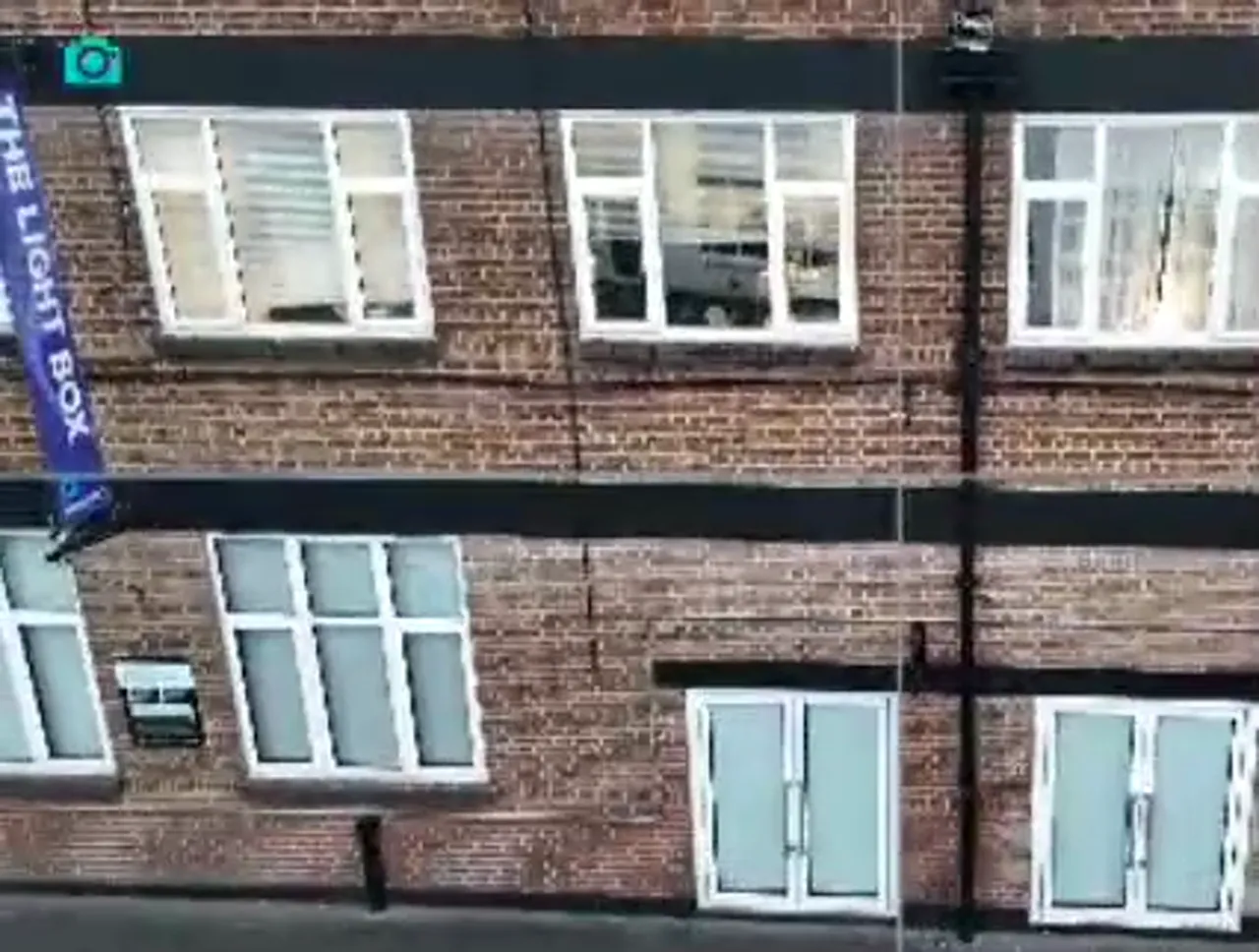
Photogrammetry software depends on strong image overlap to stitch photos into a reliable 3D model. Aim for 70 to 80 percent overlap between consecutive vertical passes and also 70 to 80 percent overlap when moving horizontally across a facade. This gives the 3D reconstruction enough matching points to align images precisely.
https://www.loom.com/share/499c425a701b4ca090593cf1a7382b5a
Keep your framing consistent as you move. Each image capture should contain 70-80% of the same area as the previous one. Hammer Missions has a much easier job building a clean 3D model.
A simple, repeatable path reduces gaps and improves coverage. A recommended manual flight plan is:
This regular flight pattern ensures you capture multiple angles of each area, which is especially important for complex surfaces and features.
https://www.loom.com/share/499c425a701b4ca090593cf1a7382b5a
Jerky movements can upset image alignment and create motion blur or mismatched parallax between shots. Use low-sensitivity control modes such as cine mode or tripod mode to get smoother translations and rotations. Keep turns gradual and maintain a consistent distance from the facade.
Buildings alter airflow and can create vortices or turbulence close to the facade. These sudden gusts can shift the drone and ruin the overlap or introduce blur. If you must fly near the building, increase margin and slow your flight to compensate for wind effects.
A structure can block satellite signals, leading to reduced GPS accuracy or loss of position hold. Before you commit to a facade flight, make sure you are comfortable flying in low-GPS or GPS-off conditions. Practice manual control and set conservative altitudes and clearances so you can fly safely if the drone switches to inertial navigation.
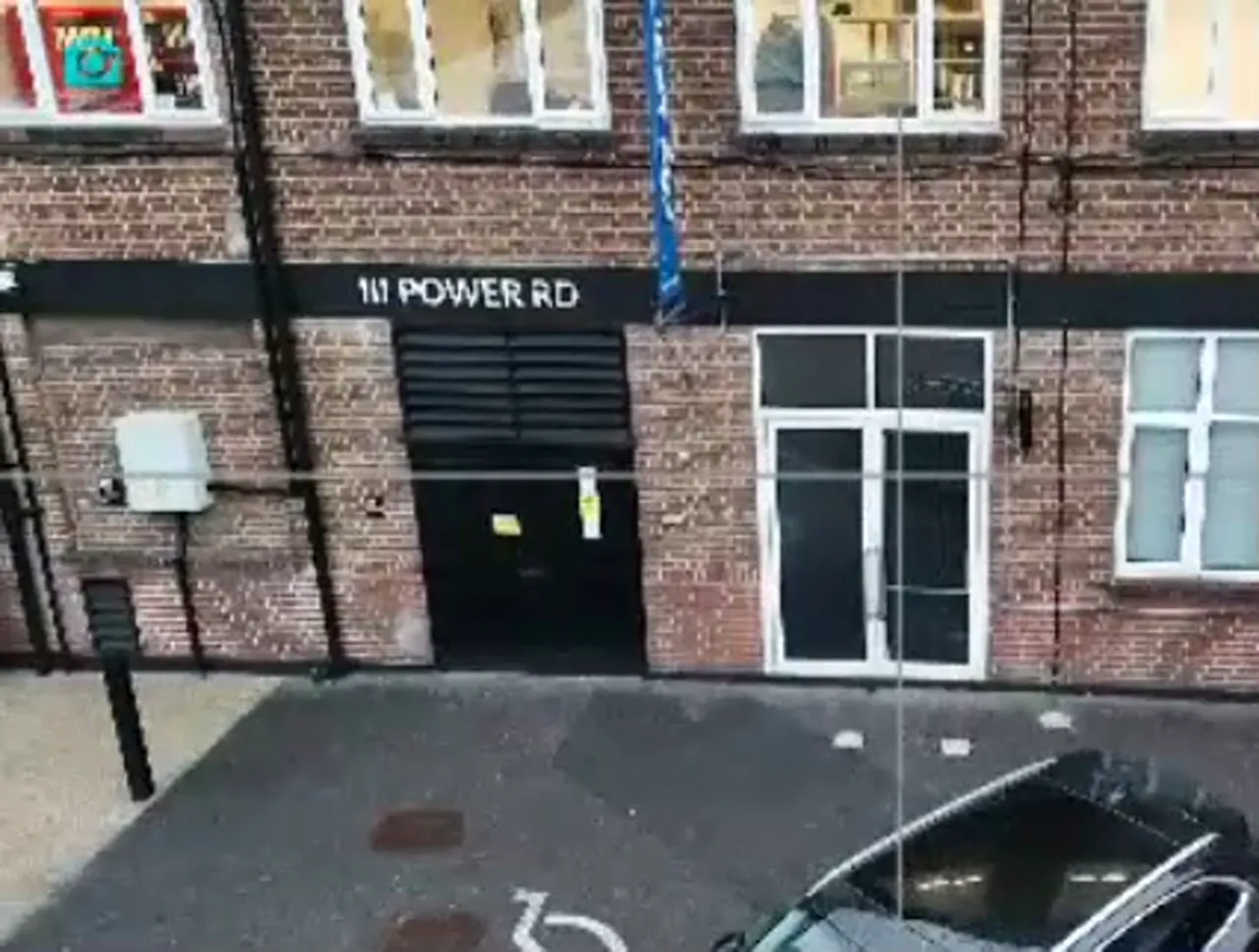
You can trigger the camera manually as you fly, but using a timed interval shutter simplifies consistent coverage. Set an interval that matches your vertical ascent/descent speed, so that each shot retains the necessary 70-90% overlap.
Pro Tip: Test a short run and inspect the spacing before covering the whole facade.
Small adjustments in overlap and smoother control inputs dramatically improve the quality of photogrammetry models.
Good facade captures come down to planning, consistency and smooth execution. Focus on reliable overlap and steady control inputs on the RC. Account for local conditions like wind turbulence and poor GPS signal. Choose the camera triggering method that keeps spacing consistent. With those elements in place, your manually flown building inspections will be far more accurate and require less rework during processing.
Manual Facade Inspections with DJI Fly: Setup and Safety Checks
How to Auto-Plan a Façade Mission from a 3D Building Outline