Workflows, Best Practice guidance, Tips and Tricks to extract the best from Hammer Missions
In this post we explain GSD (Ground Sampling Distance)—what it really means, why it matters for drone mapping and inspection, and how to choose the right GSD for your mission.
If you prefer to watch a video on this topic use the link immediately below, otherwise skip over it to the Blog article
Ground sampling distance (GSD) is the real-world area on a surface represented by a single pixel in a drone camera image. Imagine each photo as a grid of pixels; each pixel maps to a small square on the surface you’re imaging. The size of that square is the GSD.
Important nuance: GSD doesn’t have to refer to literal “ground.” When you capture vertical facades, roofs, towers or any surface, that surface becomes the reference for GSD. In practice, mapping software typically computes GSD relative to the surface being captured (for example a roof during an inspection), not just the flat ground beneath the drone.
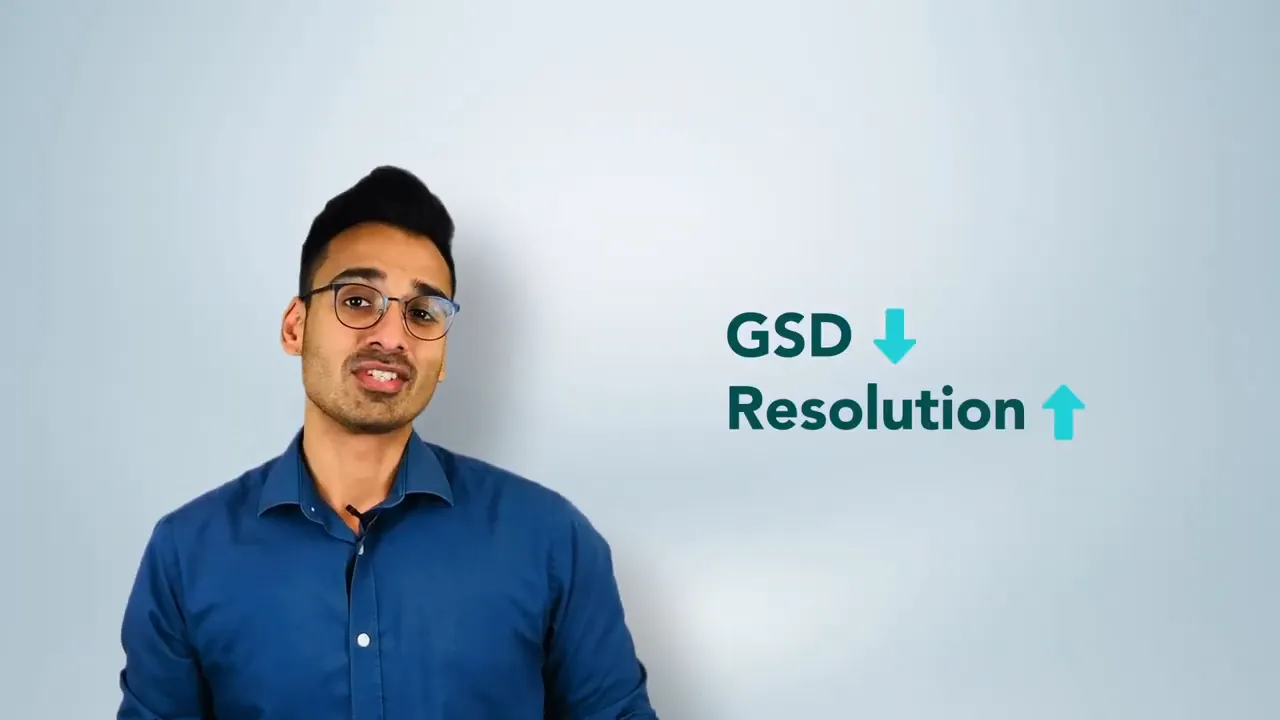
GSD directly controls the image resolution of your deliverable. Counter-intuitively, a lower GSD means higher resolution: the smaller the ground footprint of each pixel, the more pixels cover the same area and the more detail you capture.
Although lower GSD gives better resolution, you shouldn’t always fly as low as possible. Lower altitude increases flight time, can expose the drone to obstructions, and may violate safety or regulatory constraints. The right GSD is a balance between:
GSD depends on aircraft altitude, camera sensor and optics. Choosing the right camera and flight altitude together is essential for a successful mission.
GSD affects measurement accuracy and geo-referencing accuracy. There are two helpful ways to think about accuracy:
Which GSD you choose determines how precise your measurements and volumetric calculations will be. For example, in our own experiments we’ve seen stockpile measurement accuracy change noticeably with different GSDs.
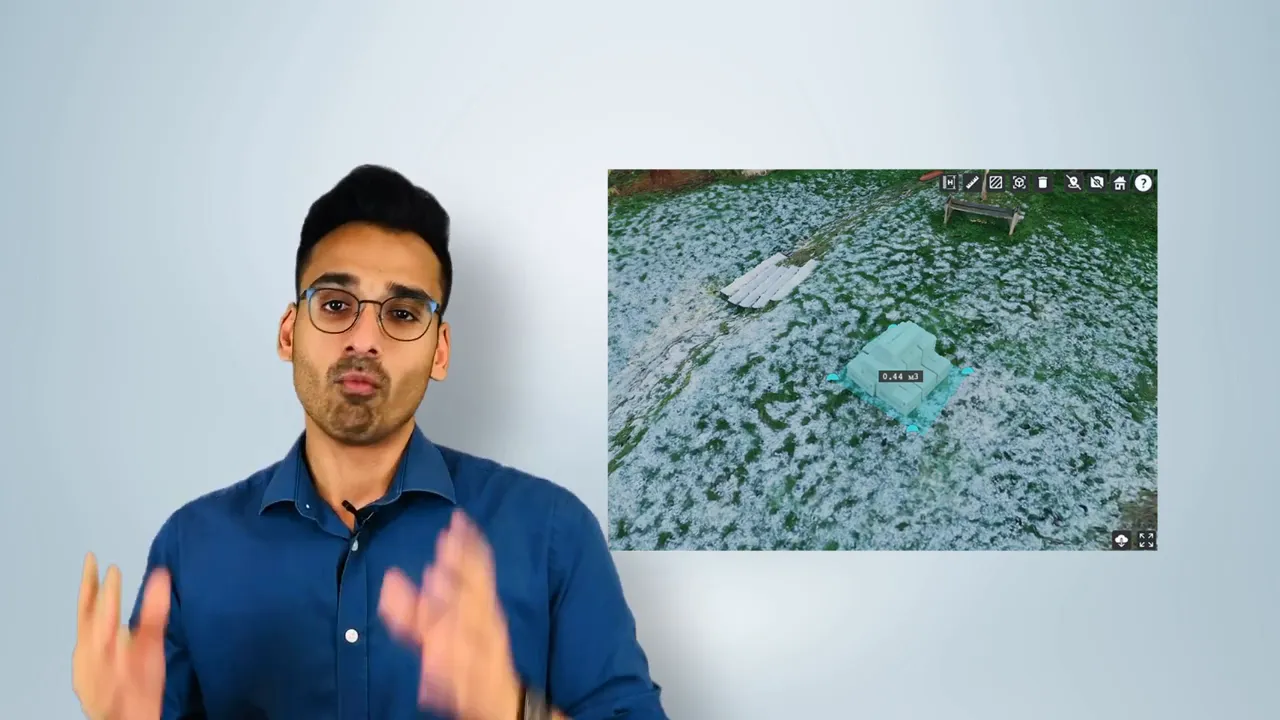
As a practical guideline mentioned you should plan your GSD relative to the target accuracy—think in terms of multiples of the accuracy requirement (e.g. GSD positioned around 2× the required amount of relative accuracy for some workflows).
Motion blur is the "ground smear", recorded when the drone is moving during image capture. Motion blur and GSD interact: if the motion blur is large compared with GSD, your processed outputs will suffer in quality.
A practical rule of thumb: make sure motion blur is not 2× (or more) your GSD. If blur exceeds that, fine detail will be lost in the final model or orthomosaic.
The video link below, goes into greater detail about motion blur and how to avoid it.
GSD’s purpose changes with the mission:
For inspections, you can treat defect size as a fraction of an image and back-calculate the required GSD to make that defect visible. Consider image size (pixel dimensions), the GSD you can achieve at safe altitudes, and the smallest defect size you need to detect.
“As a drone professional it's important to fine‑tune GSD, altitude and camera parameters so we collect high‑quality, fit‑for‑purpose data.”
GSD is a small number with big implications. Understanding what it represents and how it affects resolution, accuracy and defect visibility will help you plan safer, more efficient and more reliable drone missions—whether you’re mapping a site, measuring volumes or inspecting assets.
If you run drone surveys or inspections regularly, make GSD part of your pre‑flight checklist: objective → required detail → camera → altitude and speed → validate with test captures.
Thanks for reading — I hope this clears up GSD and helps you choose the right settings for your next flight.